Your iPhone as an OBS camera, over the cable

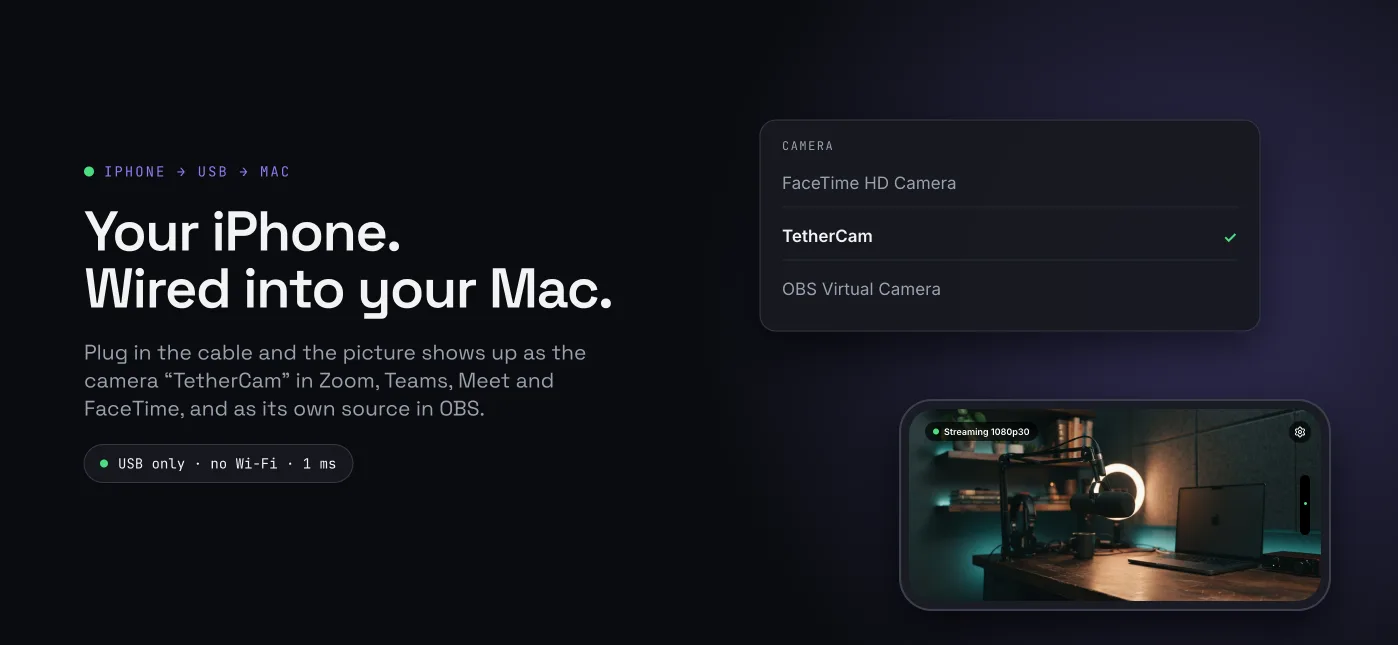
TetherCam sends the iPhone camera into OBS Studio on macOS through the USB cable, with no Wi-Fi, no cloud and no pairing code.

Download the OBS plugin (.pkg) Get the iPhone app

Open source. OBS plugin GPL-2.0-or-later, iPhone app and shared code MIT. Version 0.1.0.

The OBS source TetherCam showing a live 1080p picture from an iPhone 15 Pro Max over the USB cable
Live 1080p from an iPhone 15 Pro Max, decoded in OBS. The stream never leaves the cable.

Download

The plugin installs into your own home folder, so it needs no administrator rights. Restart OBS after installing.

Or install from the terminal:

curl -fsSL https://raw.githubusercontent.com/Kanevry/tethercam/main/scripts/install.sh | bash

Requirements

Quick start

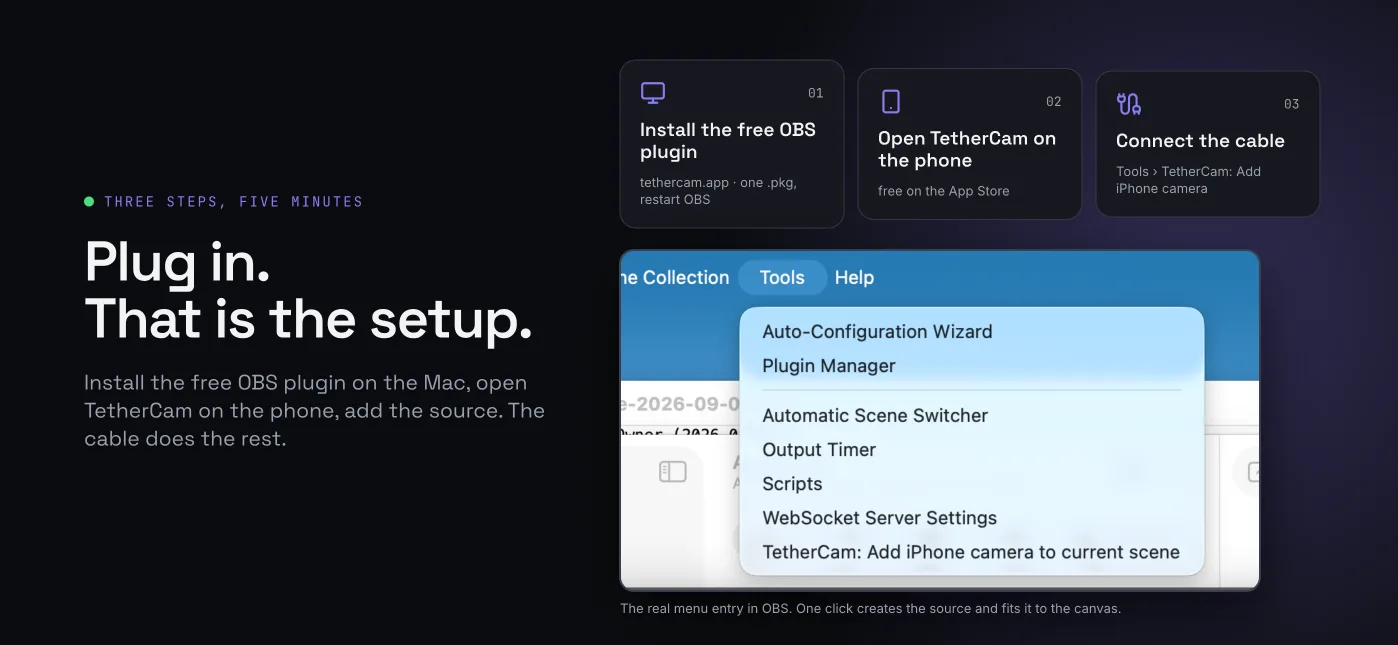
Three steps, about five minutes.

1. Install the OBS plugin

Open the .pkg from the download link or run the one-line installer above, then restart OBS. Nothing is installed system-wide.

2. Get the iPhone app

The app is going to TestFlight. Until the public link is live, you can build it yourself from source with a free Apple ID.

TestFlight link coming soon

TetherCam on the iPhone: full-screen preview with the status line Streaming 1080p30
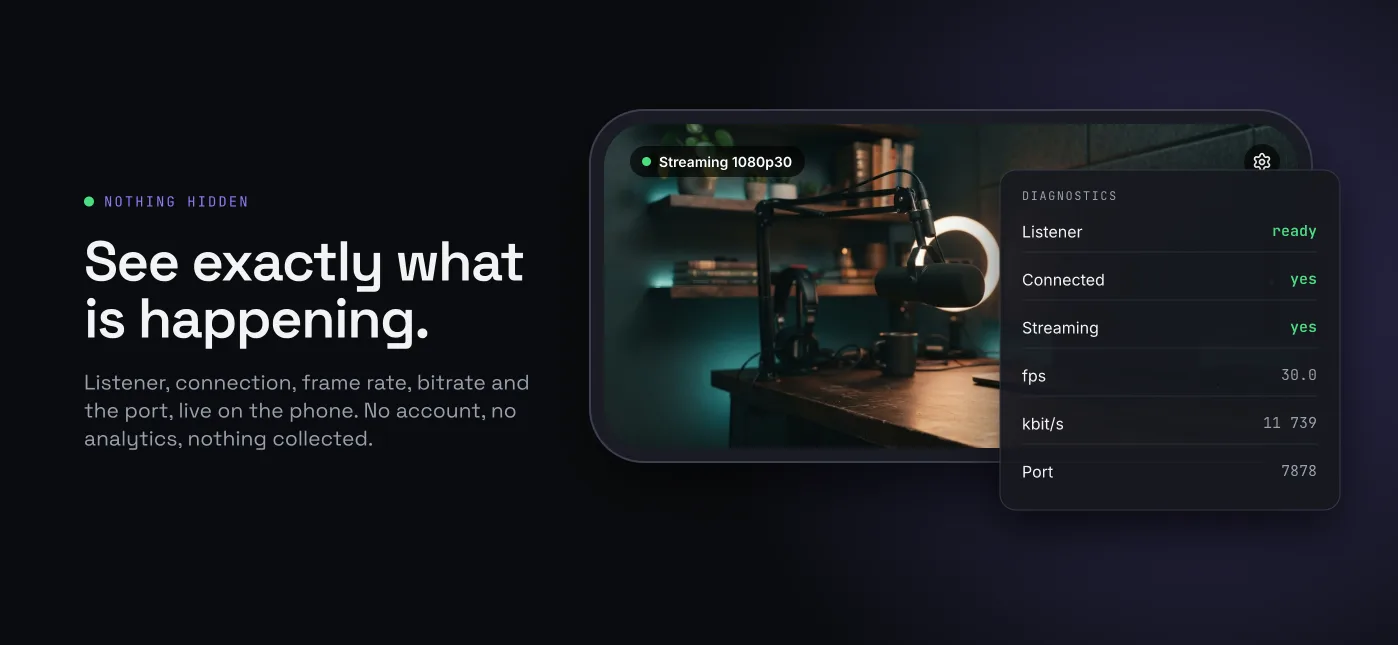
The app is one screen. A preview, one status line, and a gear icon for camera and rotation.
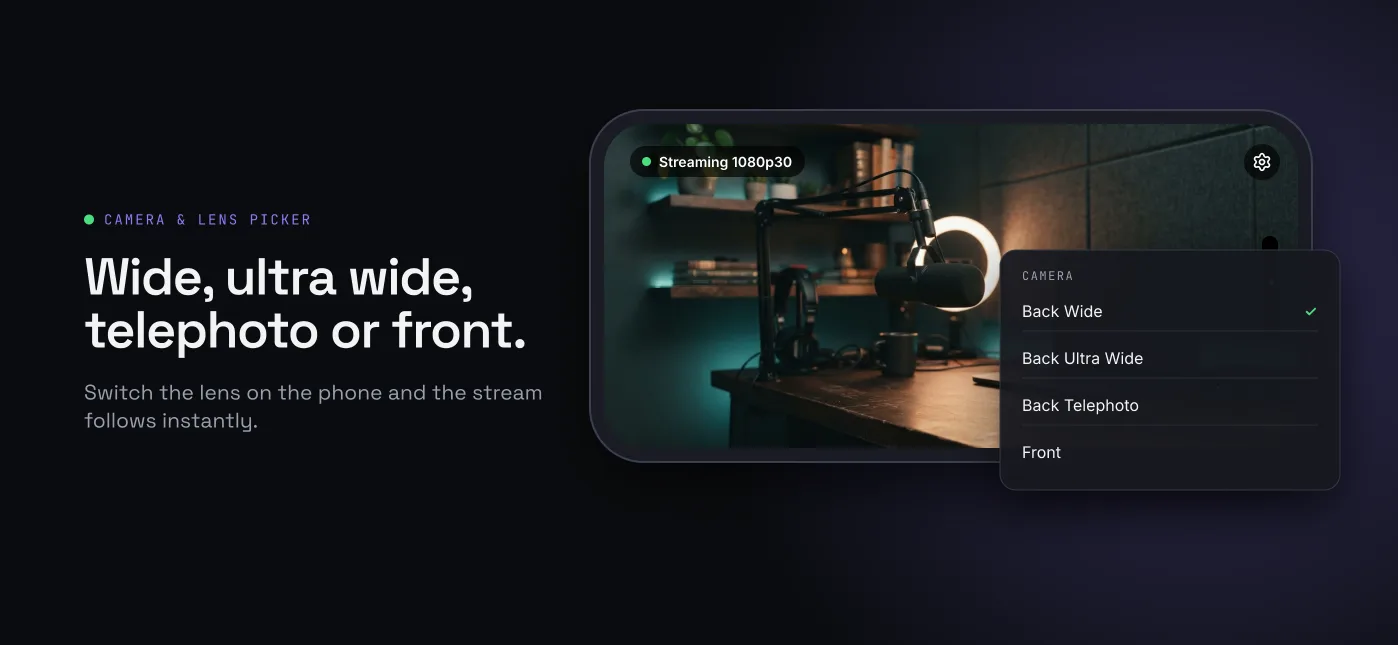
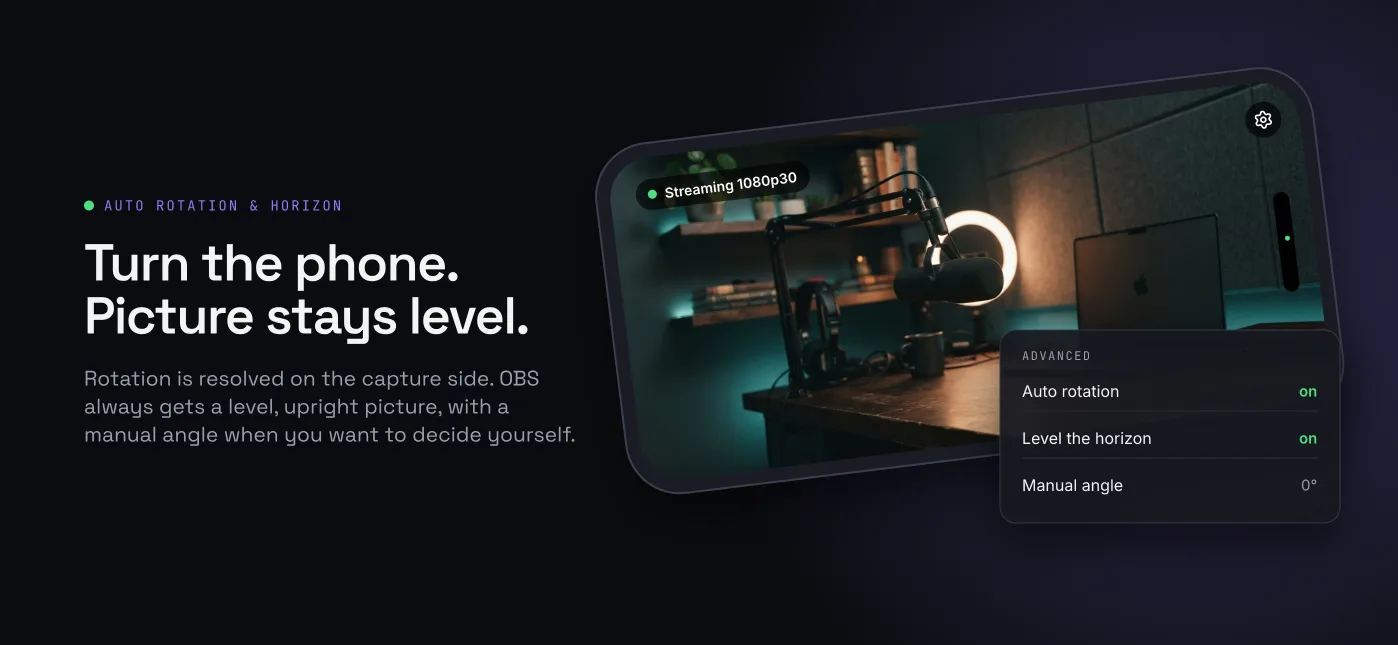
The TetherCam settings sheet on the iPhone with the camera list and the rotation options
The settings sheet holds the lens picker, auto rotation and the diagnostics.

3. In OBS: Tools, then add the camera

Choose Tools, then TetherCam: Add iPhone camera to current scene. That creates a source named TetherCam iPhone and fits it to your canvas. Plug the phone in, unlock it, open TetherCam and leave it in the foreground. The status line on the phone turns green and says Streaming 1080p30.

The OBS Tools menu with the entry TetherCam: Add iPhone camera to current scene
One menu entry instead of hunting through the source list.

If the picture stays black, open the source properties. The first row is a status line that says which piece is missing: no phone attached, app not in the foreground, or the live format once frames arrive.

The TetherCam source properties in OBS with the status line, device, camera, resolution, frame rate and bitrate
Source properties: status, device, camera, resolution, frame rate, bitrate, rotation.

How it works

The iPhone captures with AVCaptureSession and encodes HEVC in hardware, then serves the stream on a local TCP port, 7878. The Mac reaches that port through usbmuxd, the same system service that carries Xcode and iTunes traffic over the cable. The OBS plugin decodes with VideoToolbox and hands the frames to OBS.

Those numbers come from one setup, an iPhone 15 Pro Max with an Apple Silicon Mac. Yours will differ.

FAQ

Is this an alternative to Continuity Camera?

Yes, and that is why it exists. Continuity Camera broke with iOS 26.6 against macOS 26.5.2: the handshake succeeded, the picture stayed black. TetherCam takes a different path that does not depend on that handshake.

Why USB and not Wi-Fi?

The cable is the shortest path. No network to configure, no dropouts on a busy conference Wi-Fi, no pairing code, and the video never leaves the machine. The phone also charges while it streams.

How much latency is there?

Far below 100 ms measured on the development machine. The plugin does not buffer frames, it hands each decoded frame straight to OBS.

Does it need administrator rights?

No. The plugin installs into your own home folder, under the OBS plugins directory. There is no system extension and no daemon.

Which iPhones, which macOS, which OBS?

An iPhone with iOS 17 or later, macOS 12 or later, and OBS Studio 30 or later. Tested on an iPhone 15 Pro Max with iOS 26.6, an Apple Silicon Mac on macOS 26, and OBS 32.2.2.

Does the audio come along?

No. Video only for now. Use a separate microphone in OBS.

Is it free and open source?

Yes. The OBS plugin is GPL-2.0-or-later because it links against libobs. The iPhone app, the shared C code, the tools and the protocol spec are MIT.

Does it work on Windows or Linux?

No, macOS only for now. The shared C core already builds on Linux, so a receiver for other systems is possible, but none ships today.

Source and license

Everything is public. Read the wire protocol, build both sides yourself, or write your own receiver.

Licenses: GPL-2.0-or-later for obs-plugin/, MIT for everything else.